Just Set Up Offsite Backups Already
I just set up offsite backups for Cedar Mingle and another project I’m working on. It’s one of those things I’ve always known I should do, but never got around to.
My excuse was pretty reasonable. Railway already backs up my databases, and I didn’t have tons of users. And Railway doesn’t have any tooling to copy your data to another provider, so doing it right meant writing all the backup code myself. That never made it to the top of the list.
The Wake-Up Call
Then October happened. Railway had a massive breach and outage, and at the same time my services have been growing in users. If my only backups live in the same place as my production data, a really bad day at Railway is a really bad day for me too, with no way back.
That was enough. Time to get it done.
AI Made It Easy
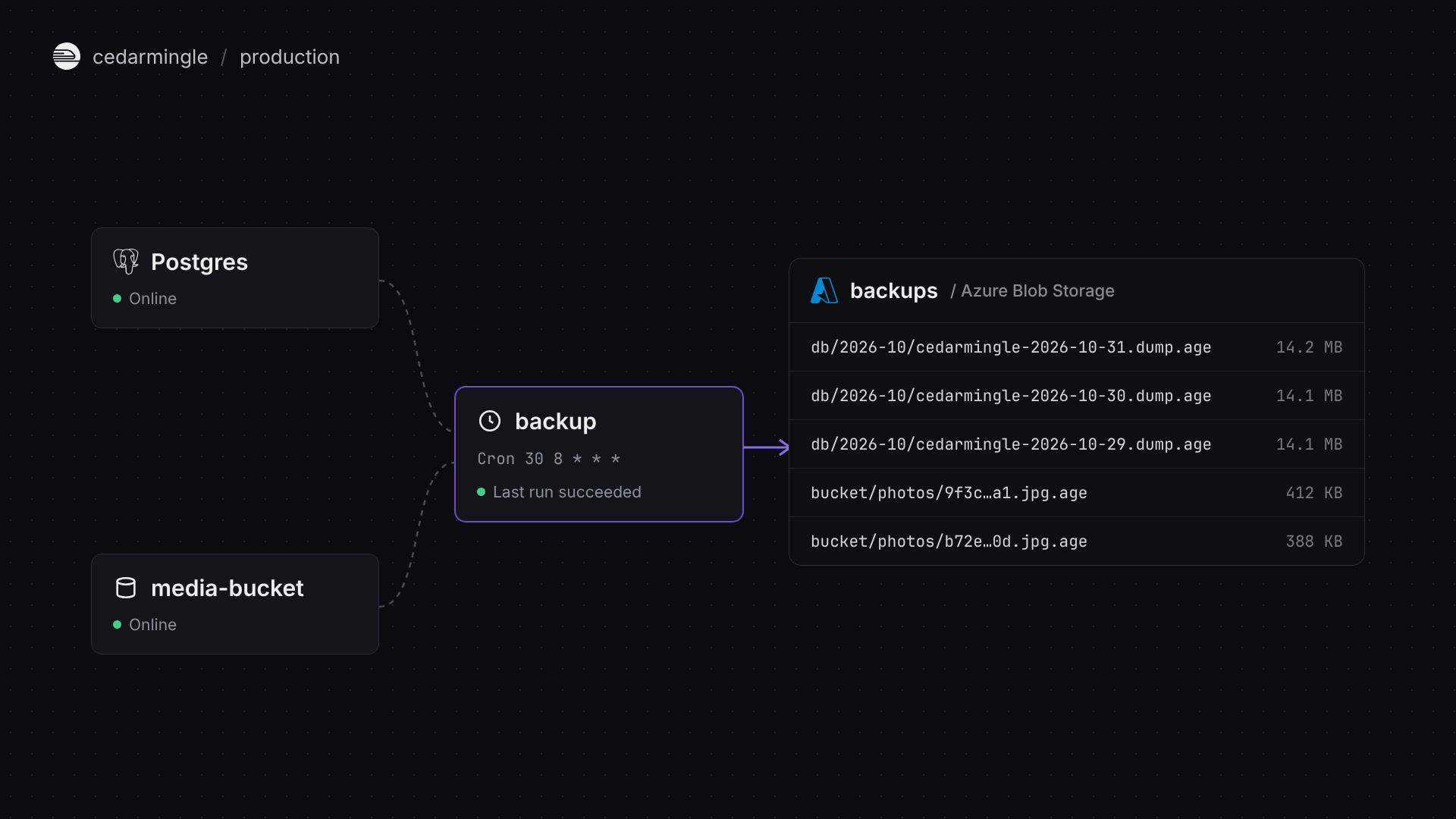
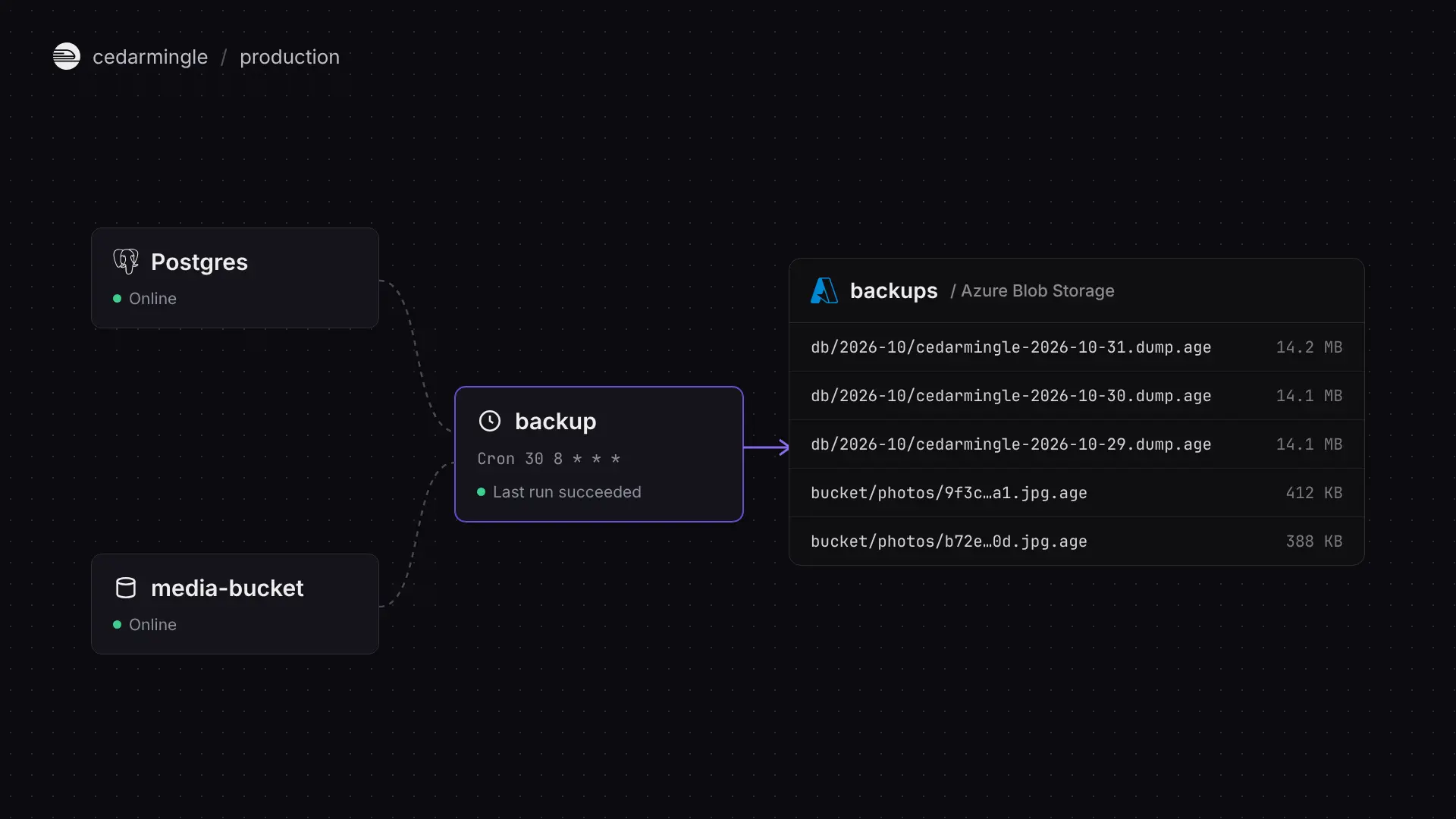
The part I’d been dreading turned out to be the easy part. I had Claude build the whole thing:
- A Railway cron job that runs on a schedule.
pg_dumpof every database, piped straight into encryption, so an unencrypted dump never touches disk.- Blob storage copies (photos, media, logs) to an Azure storage account.
- Better Stack heartbeats, so if a run fails or just doesn’t happen, I get alerted.
Isn’t a Backup Another Way In?
Before I looked into this more deeply, that was honestly my biggest concern. Every copy of your data is another thing that can leak. Remember LastPass? Their backups got stolen and suddenly everyone’s vaults were out in the wild. I was one of those users. I spent hours setting up a new vault, rotating passwords, and then promptly deleting my LastPass account. Between how the breach happened and how slowly they owned up to it, I’d call it engineering malpractice.
So I wanted multiple layers, where any one of them failing still isn’t a disaster:
Write-only key. The SAS token Railway holds can create and write blobs. That’s it. It can’t list, read, or delete anything. If Railway’s environment leaks again, the attacker can’t touch existing backups.
Network restrictions. The Azure storage firewall only allows Railway’s static IP. Even a valid key from anywhere else gets nothing.
Encrypted with age. Every backup is encrypted with age to a public key. The private key lives offline with me, so nothing on Railway, or in Azure, can read a backup. And Azure’s encryption at rest sits on top of that.
After setting it up, I feel a lot better about the security side.
Sleeping Better
A complete Railway disaster is now recoverable. That’s a nice feeling, and it cost me very little effort and a few dollars a month.
If you’ve been putting this off like I was, just knock it out now. AI will write the code for you. You don’t want to be setting up backups the day after you needed them.
← Back to blog